How to use this weekly planner
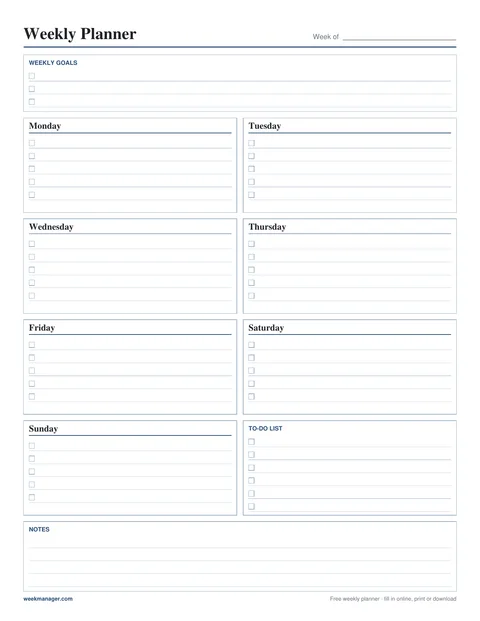
- Type straight onto the page. Every day has lines you can tick off—press Enter to jump to the next line.
- Add weekly goals, a to-do list and notes. Everything saves automatically in this browser, so you can close the tab and come back.
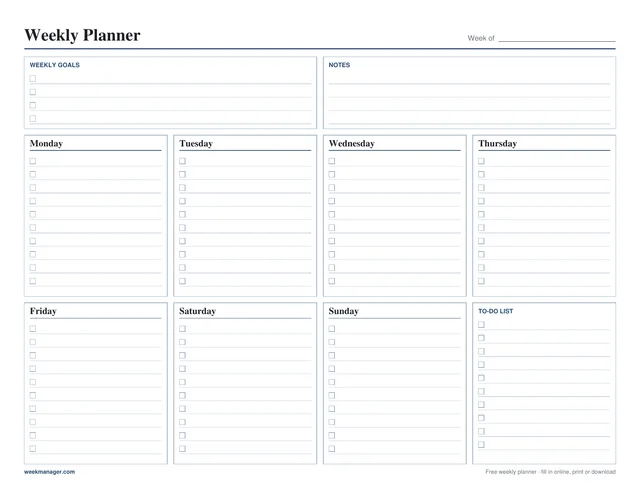
- Plan ahead or look back with the ‹ › buttons, then print the week or download it as a one-page PDF, in portrait or landscape.
This is week 42 of 2026 (Oct 12 – 18, 2026). Weeks run Monday to Sunday with ISO week numbers. For the week number of any date, use weeknumber.io.
Free printable weekly planner PDF
Undated and blank, so you can print it for any week. One page, Letter (8.5 × 11 in) or A4.
Weekly planner templates
Need a layout for something specific? Each template below is its own planner—fill it in online or print the blank PDF.
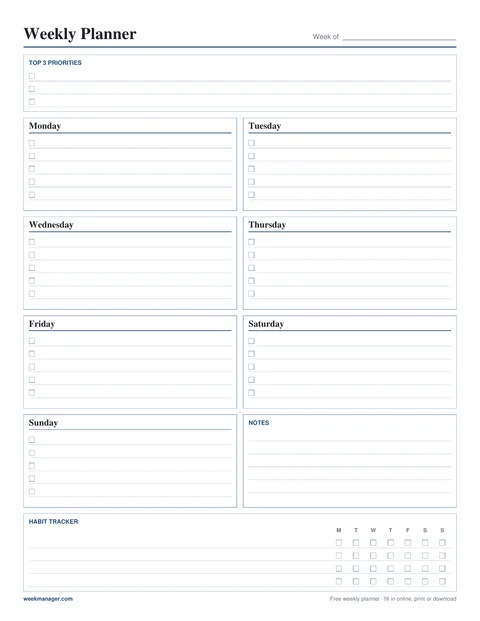
Printable Weekly Planner
Top 3 priorities, seven day boxes, notes and a habit tracker.
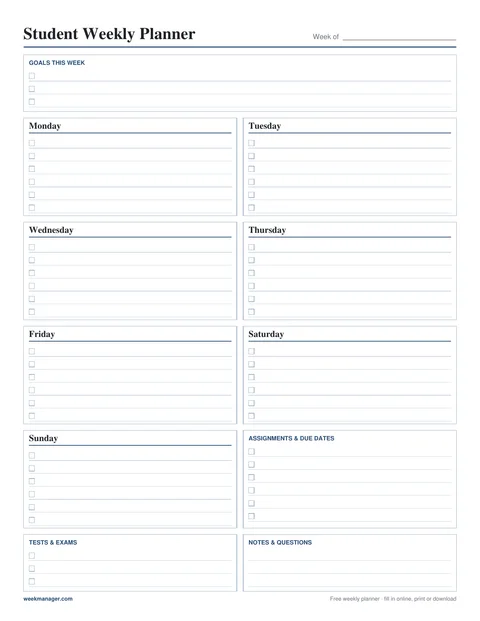
Student Weekly Planner
Classes, study blocks, assignments, due dates and tests.
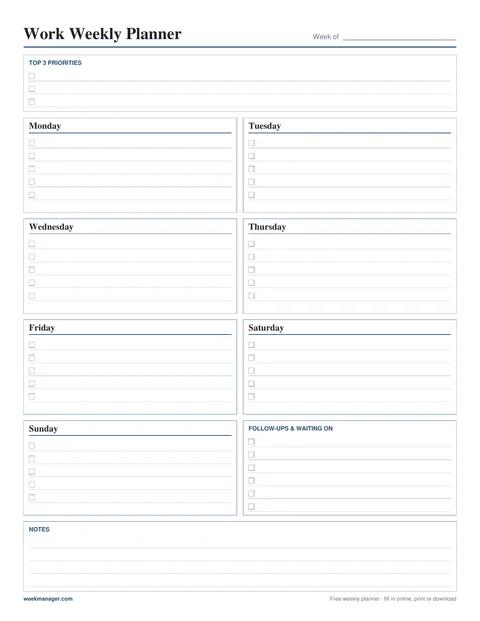
Work Weekly Planner
Three priorities, meetings and tasks, follow-ups.
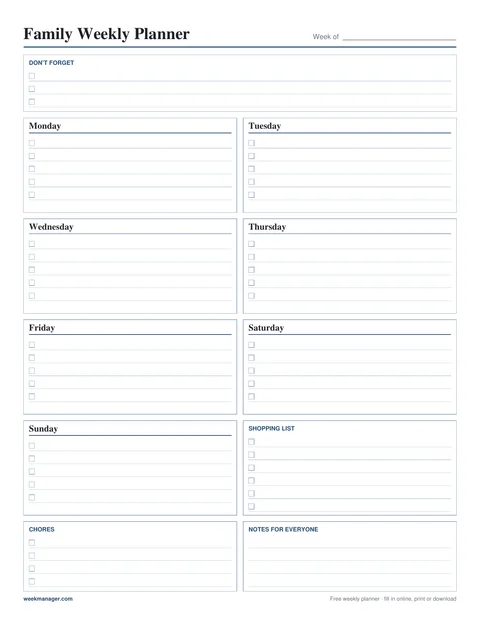
Family Weekly Planner
Who does what each day, shopping list and chores.
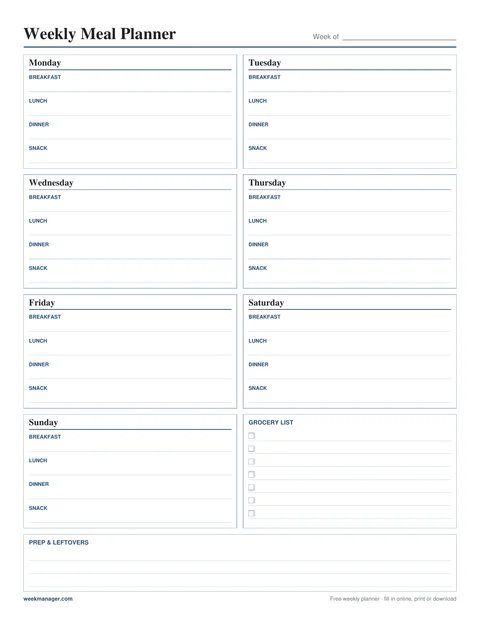
Weekly Meal Planner
Breakfast, lunch, dinner and snacks plus a grocery list.
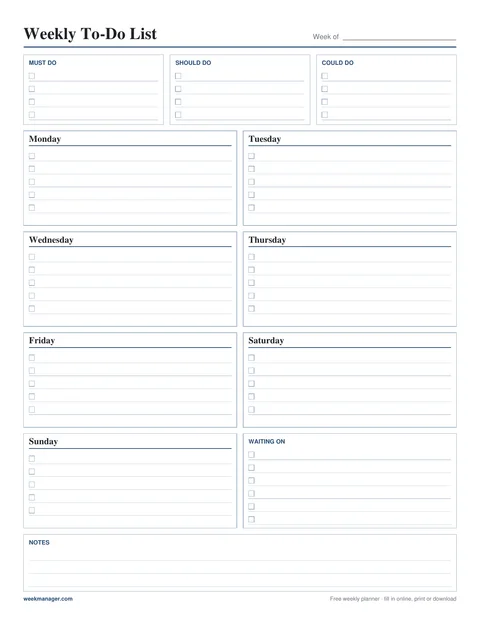
Weekly To-Do List
Must, should and could do, plus a short list per day.
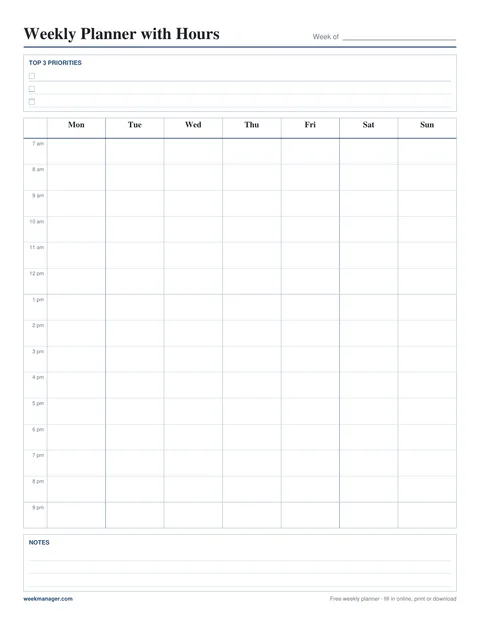
Weekly Planner with Hours
Hourly schedule from 7 am to 9 pm for all seven days.
See them side by side on the weekly planner templates page. Want the whole month on one page as well? Pair this planner with a free printable monthly calendar from familycalendarpdf.com.
Weekly planner FAQ
Is this weekly planner really free?
Yes. There is no account, no trial and no watermark. You can fill in, print and download as many weeks as you like.
Where are my plans saved?
In your browser’s local storage on this device. Nothing is sent to a server, so there is no login. Plans don’t sync between devices, and clearing your browser data (or using a private window) removes them—download a PDF if you want a copy.
How do I print the weekly planner on one page?
Choose Portrait or Landscape, then click Print. The planner is laid out to fit one Letter or A4 sheet; keep the scale at 100% and the margins at Default. You can also print the PDF from the Download PDF button.
Can I download the weekly planner as a PDF?
Yes. Download PDF creates a one-page PDF of the week you are viewing, right in your browser, on Letter or A4 paper in portrait or landscape. Blank printable PDFs are available on every template page.
Does the week start on Monday?
Yes. Weeks run Monday to Sunday and use ISO 8601 week numbers, where week 1 is the week with the year’s first Thursday. The current week number is shown at the top of the planner.
Can I plan ahead or look back at past weeks?
Yes. Use the arrows to move between weeks. Each week is saved separately, so you can fill in next week now and check what you did last week.
Does it work on my phone?
Yes. On a phone the days stack into one column with large lines for typing. You can print from your phone or download the PDF and send it to a printer later.